
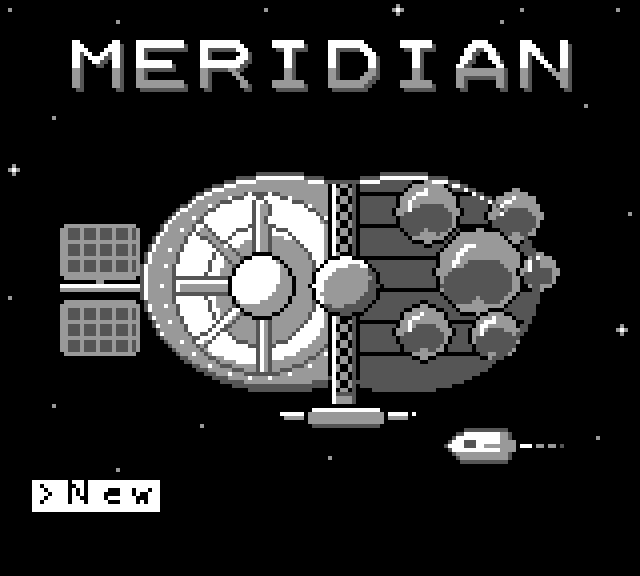
MERIDIAN
You arrived on Meridian with one bag and no plan, expecting a short stay.
The post-scarcity station hangs at the edge of known space, shaped roughly like a brain. On one side is the Lattice, orderly and beautiful, where nobody falls through the cracks and everyone is quietly measured. On the other is the Thicket, hand-built and still growing, where nobody tells you what you're for.
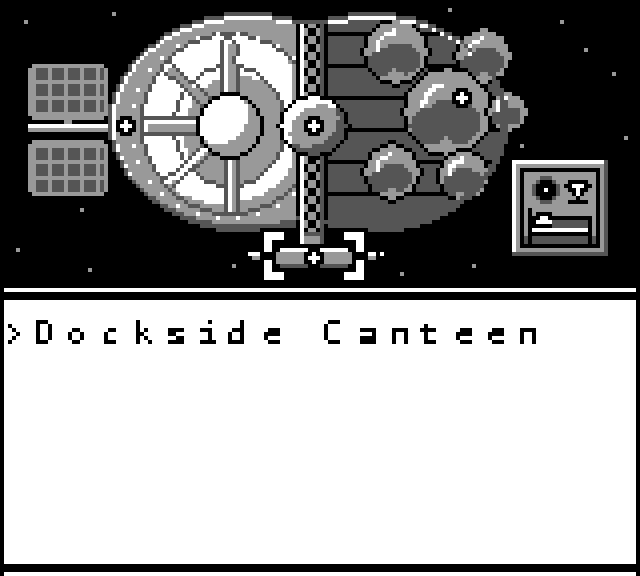
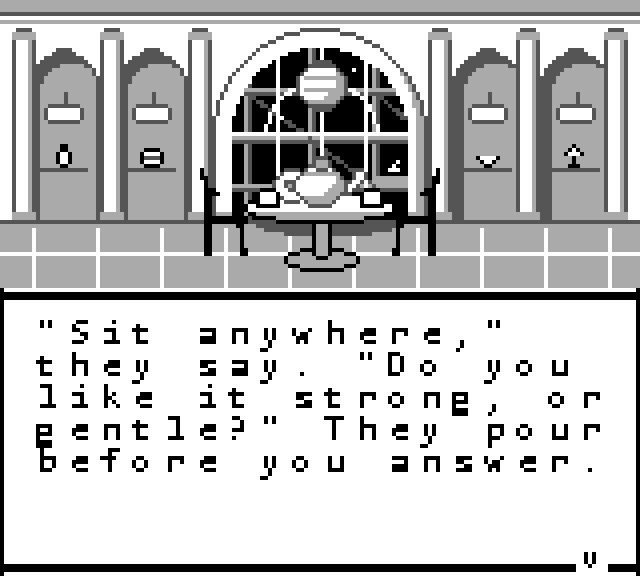
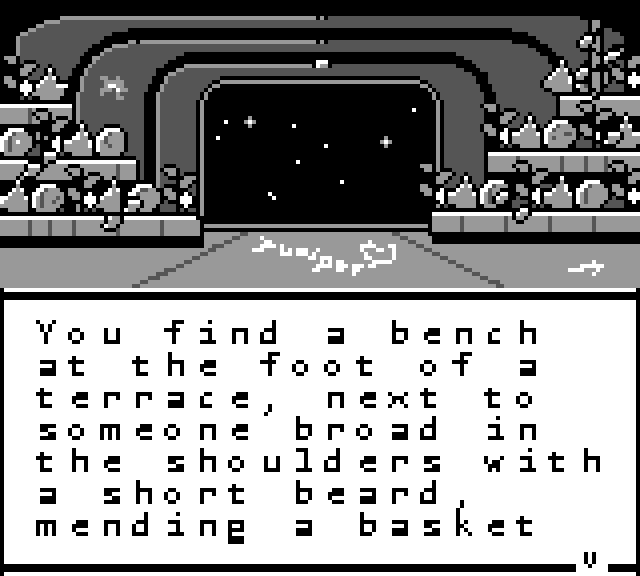
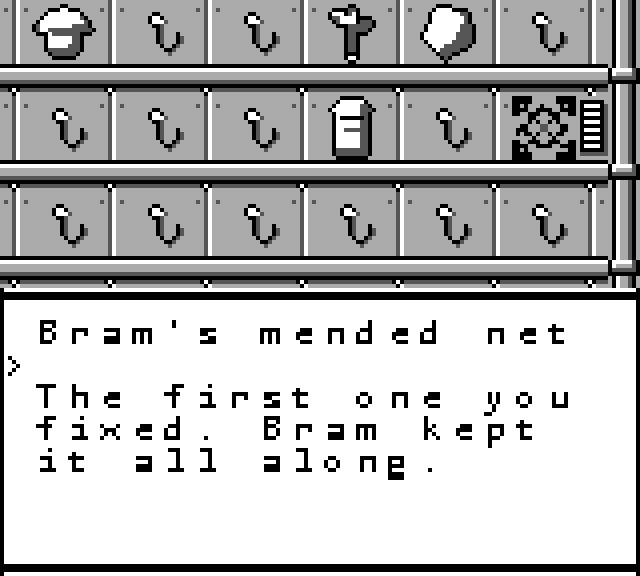
Each day you choose one place to go and one thing to do. Unload cargo at the dock, take tea with Ilse in the Colonnade, sit and mend with Bram in the gardens, or wander among the subcultures that form around their body mods. Every choice leans you a little toward one half of the station, and the people you meet slowly fill your wall with reasons to stay.
There is no game over and no wrong answer. Stay as long as you like. Once your wall is half full, you can decide whether to leave.
Meridian is a choice-driven visual novel for the original Game Boy. Play it here in your browser or in any Game Boy emulator.
AI disclosure: The soundtrack and parts of this game's code were developed with help from Claude, a generative AI tool. Story, characters, design, bad pixel art, and gameplay are my own.
Download
Install instructions
In Your Browser
Click Run game, then click the screen to start. Sound begins on that first click, because browsers keep audio off until you interact with the page.
- Arrow keys: D-pad
- X: A
- Z: B
- Enter: Start
Phone or tablet: touch buttons appear under the screen. The game works held upright or turned on its side.
Saving: the game saves automatically each morning, and your progress stays in your browser between visits. Saves are tied to that one browser on that one device. In a private or incognito window, progress isn't kept, and the game tells you so under the screen. Clearing your browser's site data deletes your save.
Download (Game Boy)
Download meridian.gb to play in a Game Boy emulator or on real hardware. Saves made this way are separate from the browser version.
On a computer or phone: open meridian.gb in any Game Boy emulator, such as SameBoy, mGBA, or RetroArch with a Game Boy core. The emulator writes a save file next to the ROM (.sav, or .srm in RetroArch), so keep the two files together.
On a Miyoo Mini (Onion OS or stock):
- Put the SD card in your computer.
- Copy meridian.gb into the Roms/GB folder.
- Put the card back in, then find Meridian under Game Boy. If it doesn't appear, refresh the game list.
Saves are written to the SD card automatically. Other retro handhelds work the same way: copy the ROM into their Game Boy ROM folder.
On real hardware: copy meridian.gb to a flash cart that supports MBC5 with battery save, such as an EverDrive GB or an EZ-Flash Junior. The game runs on the original Game Boy, the Game Boy Color, and the Game Boy Advance.
Development log
- Quick Opening Fix6 days ago
Leave a comment
Log in with itch.io to leave a comment.